What Are AI Agents and Why They Matter
AI agents now coordinate entire workflows autonomously — scheduling, coding, and project management without human nudging.
- What agentic AI is and how it differs from chatbots
- Real-world use cases in enterprises today
- The architecture behind multi-agent systems
- Risks and limitations of autonomous AI workflows
1. What an AI agent is
What Are AI Agents and Why They Matter
AI agents now coordinate entire workflows autonomously — scheduling, coding, and project management without human nudging.
AI agent definition
An AI agent is software that pursues a goal by selecting actions over time.
Chatbot vs AI agent
| System | Main job | Typical output | Can it act? |
|---|---|---|---|
| Chatbot | Respond to prompts | Text | Usually no |
| AI agent | Complete tasks | Actions and results | Yes |
Core agent loop
Perceive the situation, decide what to do, act with tools, then inspect the result and continue.
Why the distinction matters
A chatbot is like a calculator with a conversation window. An agent is like a calculator that can also open spreadsheets, send emails, and rerun itself when the numbers change.
That extra power is useful only when the task has clear rules, accessible tools, and a way to check success.
2. Where agents are used today
Enterprise use cases
Customer support
Classify tickets, draft answers, route edge cases to humans.
Sales operations
Summarize meetings, update CRM records, schedule follow-ups.
Software engineering
Generate code changes, run tests, open pull requests.
Finance and operations
Match invoices, detect anomalies, prepare routine reports.
Best-fit tasks
- Repetitive
- Tool-based
- Easy to verify
- Low physical risk
Why companies start with narrow autonomy
The safer move is to automate the boring middle of a workflow, not the final decision.
That keeps humans in control of exceptions while the agent handles volume.
3. How multi-agent systems work
Multi-agent architecture
A practical system often includes:
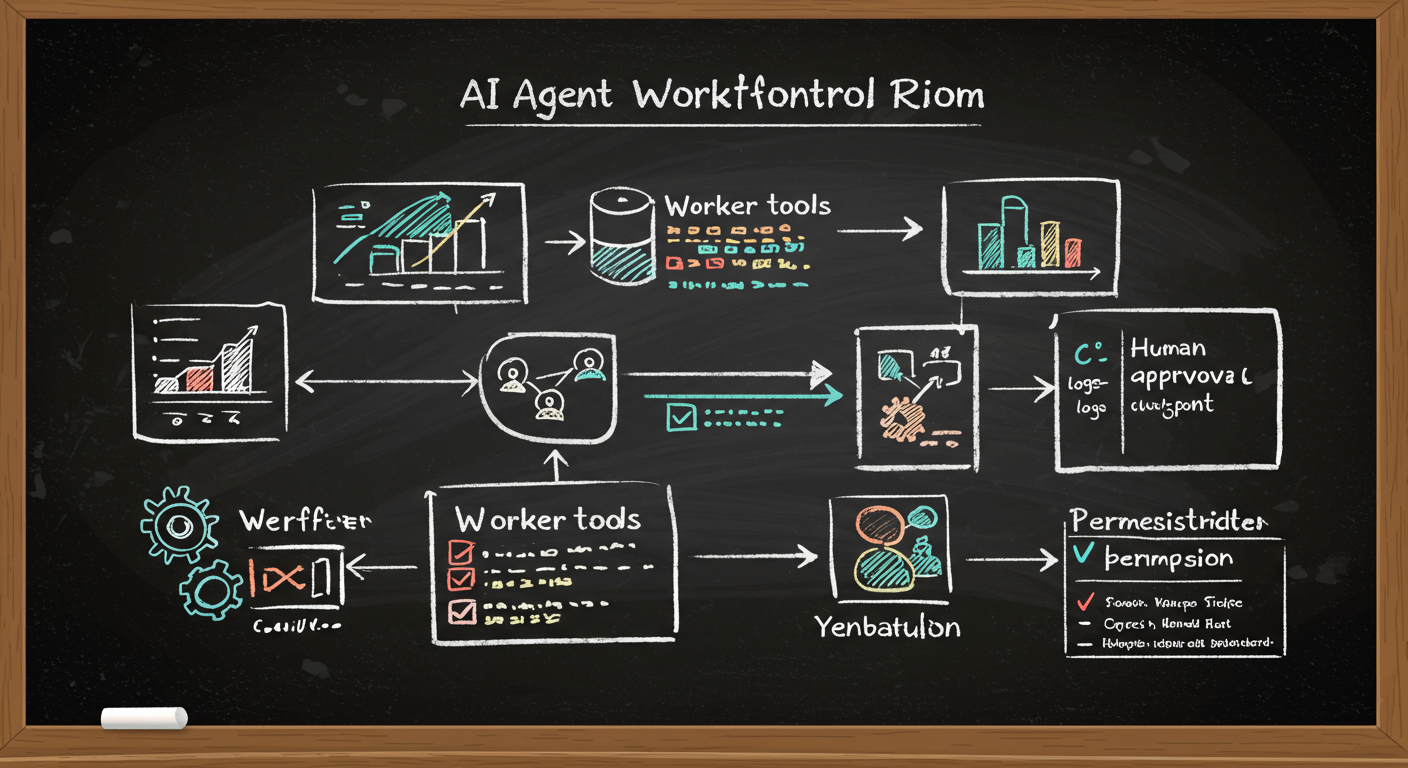
- Planner: breaks the goal into steps
- Worker agents: execute steps with tools
- Memory: stores state, notes, and intermediate results
- Verifier: checks correctness, policy, or format
- Orchestrator: routes messages and retries failed steps
Why specialization helps
A single generalist agent is like one person trying to be the researcher, writer, editor, and fact checker.
Specialized agents reduce prompt complexity and make failures easier to localize.
4. Risks, failure modes, and controls
Common failure modes
- Hallucinated facts or tool outputs
- Wrong tool choice
- Infinite retry loops
- Prompt injection from untrusted content
- Permission overreach
- Silent drift in long workflows
Controls that work
- Least privilege access
- Human approval for risky actions
- Output schemas and validators
- Logging and audit trails
- Retries with limits
- Red-team testing
The safety rule
If the system can act, it must also be able to stop.
Autonomy without a brake is just automation with a bigger blast radius.
5. How to evaluate whether an agent is worth using
Evaluation checklist
Ask these questions
- Is the task repetitive?
- Are the tools accessible by software?
- Can success be verified automatically or quickly by a human?
- What is the cost of a wrong action?
- What permissions are truly necessary?
Metrics to track
- Task completion rate
- Error rate
- Human correction time
- Escalation rate
- Latency per workflow
Bottom line
AI agents matter because they can move from language to action.
The winning use cases are not flashy. They are workflows with clear rules, useful tools, and strong checks.
Keep going with Slate
Pick up where this left off in your own voice session.