Transcript
Welcome to Slate. Today we're looking at How Does the Internet Actually Work?. We'll cover How data travels from your browser to a server and back, DNS, IP addresses, and routing in plain language, The difference between the internet and the web, and Undersea cables, CDNs, and the physical internet. Let's get into it.
Your browser is not talking to “the internet” in one big lump. It is asking one specific server for one specific resource, and a stack of protocols makes that possible. The web is the part you click through in a browser, mostly using Hypertext Transfer Protocol, or HTTP, and its encrypted version, HTTPS. The internet is the global network that moves the data underneath all of that. Think of the web as the books in a library, and the internet as the roads, trucks, and postal system that move the books around.
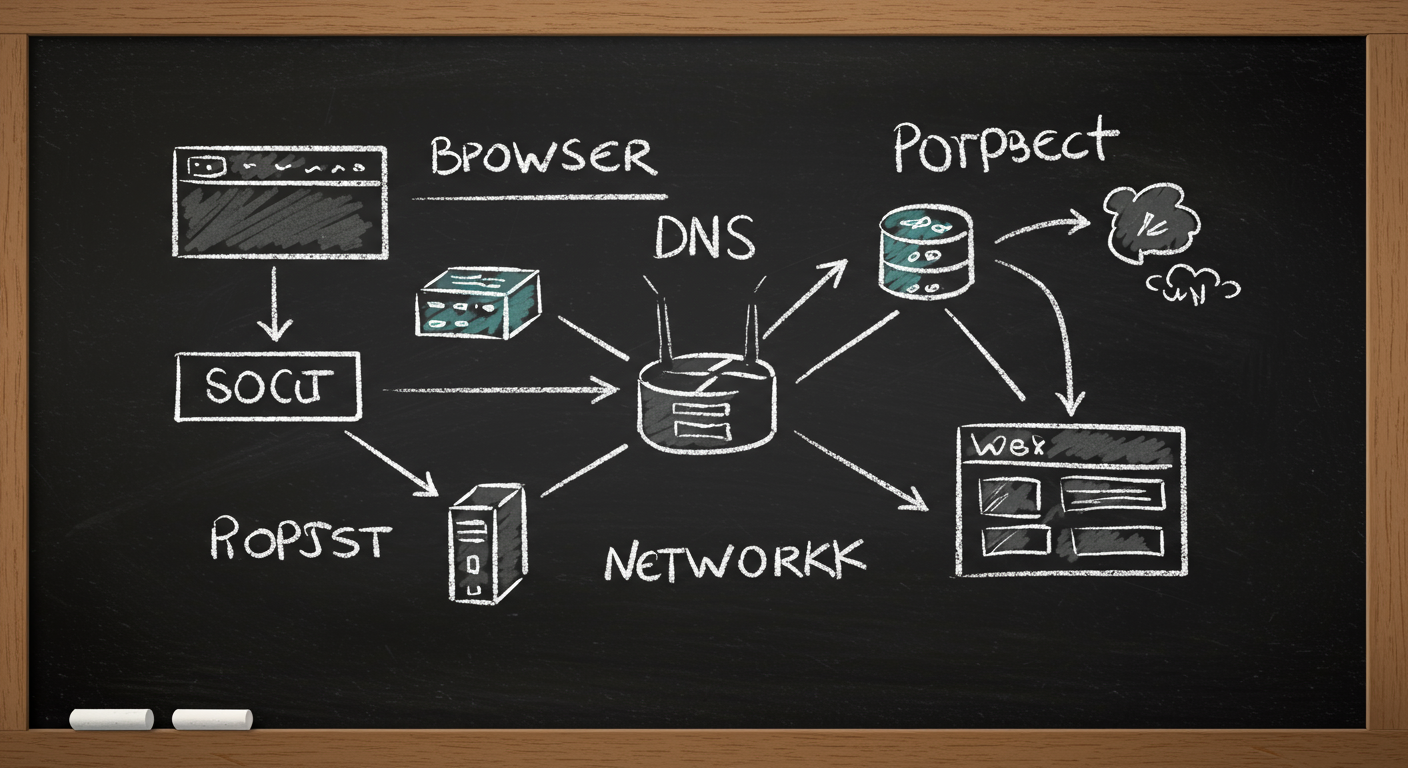
A single page load starts with a name, like example.com. Names are friendly for humans. Computers move with numbers, called Internet Protocol addresses, or IP addresses. So the first job is translation. After that, your device breaks the request into packets. A packet is a small envelope of data with an address on it. The diagram shows this as a chain, not a magic leap.
Then routing begins. Routers read the address on each packet and pass it to the next hop. No single router knows the whole path. Each one only knows the next step. That is how the network stays resilient when links fail or traffic shifts.
When you type a domain name, your computer asks a naming system called the Domain Name System, or DNS. DNS is the phone book of the internet, but it is faster and more distributed than an old paper directory. The browser does not usually search the whole world. It asks a recursive resolver, often run by your internet provider, a public DNS service, or your company network.
Here is the path. Your device checks its own cache first. If it has no answer, it asks the resolver. The resolver may already know the answer. If not, it walks the DNS hierarchy: root servers, then top-level domain servers, then the authoritative server for the domain. The authoritative server gives back the IP address.
That answer is cached, often for a time set by the record’s Time to Live, or TTL. A low TTL means changes spread faster, but caches expire sooner. A high TTL reduces lookup traffic, but changes take longer to reach users. For a busy site, that tradeoff matters a lot.
The important point is that DNS does not move your web page. It only tells your device where to go. After that, the real network work begins.
Once the browser knows the destination IP address, it opens a connection. For most web traffic, that means Transmission Control Protocol, or TCP, wrapped in IP. TCP is the careful librarian of the network. It numbers the packets, checks that they arrive, and asks for missing ones again. If packet 17 disappears somewhere between Frankfurt and São Paulo, TCP does not panic. It waits, notices the gap, and retransmits.
That reliability comes with a cost. TCP adds overhead, and it can slow down when networks are congested. But for a webpage, accuracy matters more than speed alone. You want every image, script, and line of text to arrive in order.
Modern websites usually encrypt this connection with Transport Layer Security, or TLS. That is the lock on the envelope. The content is still moving through the same internet, but outsiders cannot read it easily in transit.
A typical packet is not huge. Ethernet frames often carry about 1,500 bytes of payload, though the exact path can vary. Large files are split into many packets, then reassembled at the destination. That is why a 20 megabyte image is not one giant object on the wire. It is thousands of small, handled pieces.
Routing is the part most people never see. Your packet may cross your home router, your internet provider, a regional exchange, a backbone network, and then the server’s own network. Each router makes a local decision using a routing table. It does not carry a map of the whole planet. It just knows which neighbor is the best next step toward the destination.
That is why the internet can reroute around damage. If a fiber cut takes one path out of service, traffic can often move another way. In 2008, a cut to two undersea cables near Alexandria, Egypt, disrupted internet service across parts of the Middle East and South Asia. The network did not vanish. It degraded and rerouted where it could.
The physical internet matters here. Undersea cables carry the vast majority of international data traffic, not satellites. Satellites help in remote places, but fiber is far faster and lower latency. A transatlantic fiber path can add only tens of milliseconds one way, while a geostationary satellite hop is around 35,786 kilometers up and down, which creates much higher delay.
Content delivery networks, or CDNs, reduce that distance. They copy popular content to servers near users, so your packet may travel to a nearby edge server instead of the original origin on another continent.
Now put the pieces together. You click a link. The browser checks cache, asks DNS for an IP address if needed, opens a TCP connection, and usually negotiates encryption with TLS. Then it sends an HTTP request. The server answers with HTML, and the browser follows the clues inside that HTML to fetch CSS, JavaScript, images, fonts, and more.
That is why one page load often becomes dozens of requests. The browser is assembling a scene from separate deliveries. Think of it like a restaurant kitchen sending out courses one tray at a time. The plate is the final page; the trays are the packets and requests that build it.
Failures happen at each layer. DNS can return the wrong answer or fail entirely. TCP can lose packets. Routing can be slow or broken. The server can be overloaded. The browser can also be blocked by a script bug after the network work is done. Good troubleshooting starts by asking which layer failed.
The internet works because each layer does one job well. DNS names things. IP addresses things. TCP moves data reliably. Routing finds a path. CDNs shorten that path. The web rides on top of all of it, quietly, every time you tap or click.