How Does Encryption Keep You Safe Online?
HTTPS, end-to-end encryption, public keys — the math protecting every message, password, and payment you make.
- Symmetric vs. asymmetric encryption explained simply
- How HTTPS protects your browsing
- End-to-end encryption in WhatsApp and Signal
- Why quantum computing threatens current encryption
What encryption is doing for you
How Does Encryption Keep You Safe Online?
HTTPS, end-to-end encryption, public keys — the math protecting every message, password, and payment you make.
Encryption basics
Encryption protects data by transforming plaintext into ciphertext.
Two main families
- Symmetric encryption: one shared secret key
- Asymmetric encryption: a public key and a private key
Why both exist
- Symmetric encryption is fast enough for bulk data
- Asymmetric encryption solves key sharing between strangers
Real-world examples
- AES, the Advanced Encryption Standard, protects files, disks, and network traffic
- RSA and elliptic-curve cryptography help with key exchange and digital signatures
Core idea
The security comes from math problems that are easy to perform forward and hard to undo without the key.
Symmetric vs asymmetric encryption
| Type | Keys | Speed | Main use |
|---|---|---|---|
| Symmetric | 1 shared key | Very fast | Bulk data, files, network sessions |
| Asymmetric | Public and private key pair | Slower | Key exchange, identity, signatures |
A useful analogy: symmetric encryption is like one house key shared by two people. Asymmetric encryption is like a mailbox with a public slot. Anyone can drop a letter in, but only the owner can open the box.
How HTTPS secures a website connection
HTTPS and TLS
HTTPS is HTTP protected by TLS.
What TLS gives you
- Confidentiality: outsiders cannot read the traffic
- Integrity: attackers cannot change the traffic without detection
- Authentication: the browser can verify the server identity
Why certificates matter
A certificate binds a domain name to a public key. Browsers trust certificates because they trust a chain of certificate authorities.
What HTTPS does not do
- It does not hide the domain name from every observer in every case
- It does not protect you from a malicious website you chose to visit
- It does not make weak passwords safe
Concrete example
When you see a padlock in the browser, the page content is encrypted in transit. That is why a café Wi-Fi attacker cannot read your login form as it crosses the network.
End to end encryption in messaging apps
End-to-end encryption
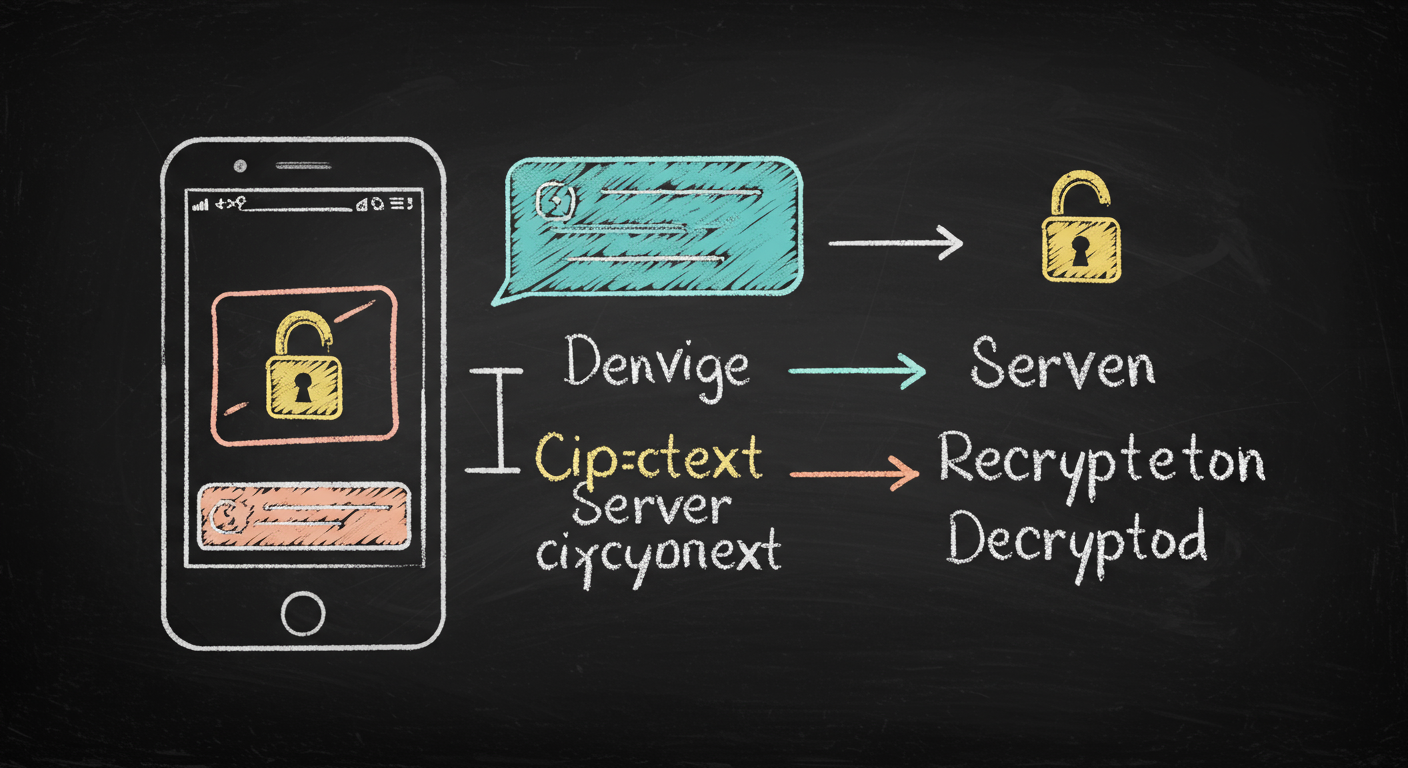
End-to-end encryption, or E2EE, means only the sender and intended recipient can read the message content.
Key properties
- Messages are encrypted on the sender’s device
- Messages are decrypted on the recipient’s device
- The service provider cannot read message content
Real systems
- Signal uses the Signal Protocol, including X3DH and Double Ratchet
- WhatsApp uses the Signal Protocol for personal chats and calls
Security benefits
- Forward secrecy protects old messages if a key is later exposed
- Post-compromise security helps recover after a device is briefly compromised
Tradeoff
Metadata can still exist: who contacted whom, when, and how often
Why this is stronger than normal HTTPS
HTTPS protects data between your device and a website. E2EE protects the content all the way to the other person’s device.
A useful analogy: HTTPS is like a secure tube between you and a bank branch. End-to-end encryption is like sealing a letter so only the person you wrote to can open it, even if many postal workers handle the envelope.
Why encryption works and where it can fail
Common failure points
Encryption can fail even when the algorithm is strong.
Typical weak spots
- Stolen devices
- Malware that captures data before encryption
- Weak passwords used as keys
- Poor key storage or accidental key sharing
- Fake certificates or phishing sites
Important distinction
- Encryption protects confidentiality
- Digital signatures protect authenticity and integrity
Example
A bank can send you a signed software update. The signature proves the update really came from the bank and was not altered in transit.
Passwords and encryption
A password is not the same thing as an encryption key.
Good systems turn passwords into keys with slow, memory-hard algorithms such as Argon2, which won the Password Hashing Competition in 2015. That slows down brute-force attacks. A fast hash would let an attacker test billions of guesses far too quickly.
Analogy: a password is like the combination you remember. The key is the actual metal key that opens the lock. Systems should never treat a human-memorable password as if it were already a strong cryptographic key.
Quantum computing and the future of encryption
Quantum threat to cryptography
What quantum computers threaten
- RSA
- Diffie-Hellman
- Elliptic-curve cryptography
What they do not instantly break
- Symmetric encryption like AES
- Hash functions, though security margins change
Why the threat matters now
Attackers can record encrypted traffic today and wait for future decryption capability.
Post-quantum cryptography
NIST finalized its first post-quantum standards in 2024:
- ML-KEM for key establishment
- ML-DSA for digital signatures
Keep going with Slate
Pick up where this left off in your own voice session.